

Fun Typing IO rules, modes, and result metrics
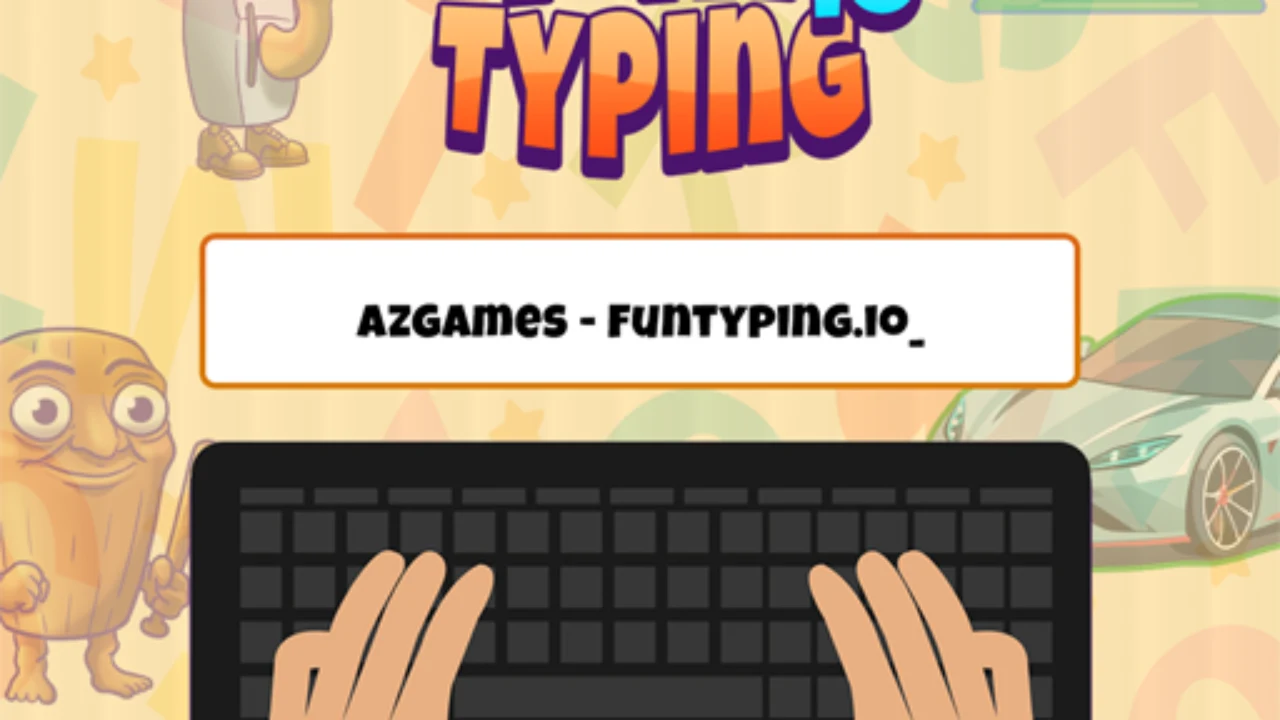
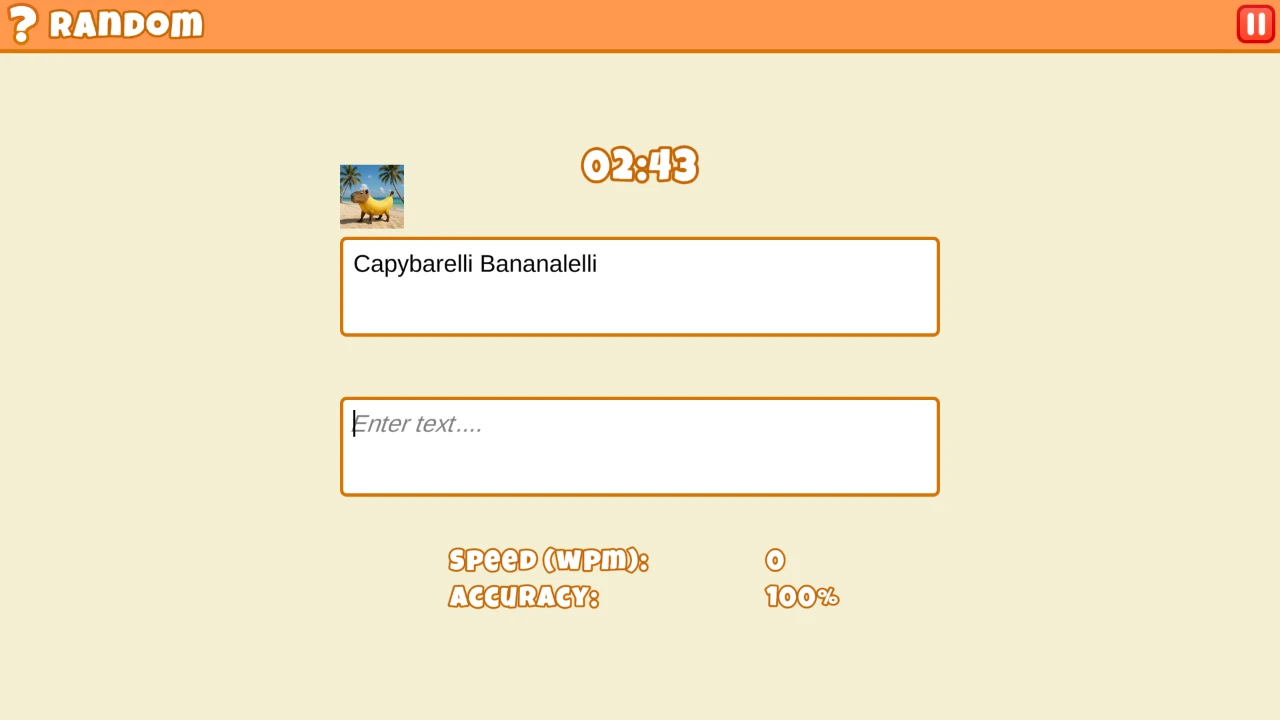
Fun Typing IO is a typing challenge built around accuracy under visible pressure. The AZGames launcher opens a Unity-based game where we choose a practice or competitive path, select themed text, and reproduce the highlighted prompt as cleanly as possible. Speed is reported through words per minute, while mistakes reduce accuracy and interrupt rhythm. Different categories change the character patterns we face: ordinary sentences reward smooth phrase reading, while code-like or unusual text demands deliberate punctuation and capitalization. The game looks like a race, but our quickest improvement came from protecting accuracy before trying to force a higher number.
| Metric or state | What it measures | How we use it |
|---|---|---|
| WPM | Completed typing speed normalized to words per minute | Compare only runs with similar duration and text difficulty |
| Accuracy | Share of keystrokes accepted without error | Treat a speed gain as real only when accuracy stays within the target band |
| Progress or position | How far the current run has advanced | In multiplayer, judge pacing without chasing an opponent’s burst |
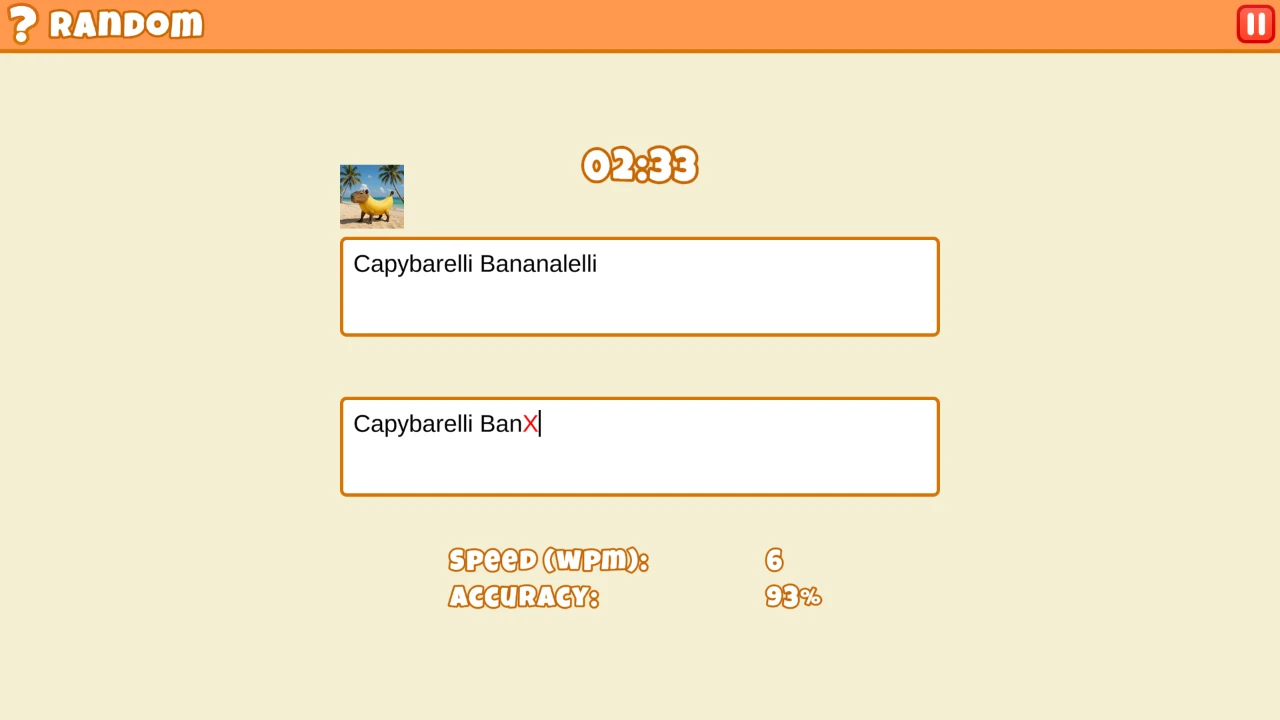
| Error highlight | The next character does not match | Correct immediately when the mode blocks progress; avoid adding a second error |
Build a clean Training-mode baseline
Click Play Now on this page, then press the central AZGames launch control once and allow the inner game to finish loading. Choose training when learning the interface; multiplayer is more useful after the prompt and correction behavior feel predictable. Place both hands in a comfortable home-row position, click the text field if required, and type the shown characters exactly. We confirm the first few letters visibly advance before accelerating. If a mistake appears, use the game's indicated correction behavior—normally Backspace—rather than continuing several words ahead. At the result screen, record both WPM and accuracy because a faster run with many errors is not necessarily progress.
Our baseline is three Training runs in the same category, not one flattering score. Run one reveals unfamiliar punctuation and awkward letter pairs. Run two tests whether those problems were understood. Run three shows whether the improved pace survives fatigue. We record WPM, accuracy, text type, and the error pattern. A 70 WPM result on simple words is not directly comparable with 58 WPM on punctuation-heavy quotes, so category belongs beside every score.
Fun Typing IO strategy: balance WPM and accuracy
The active character or word is visually distinguished, and correct input advances the cursor through the passage. Incorrect input is marked and may block clean progress until corrected. WPM estimates how much standardized text we produce per minute, whereas accuracy measures the proportion entered correctly. A multiplayer finish also depends on opponents and connection timing, so it is not a pure laboratory benchmark. Category difficulty matters: punctuation, capitalization, numbers, and unfamiliar vocabulary increase decision time even when raw letter speed is unchanged. We compare runs only when the mode and text type are similar, otherwise the numbers tell different stories.
Look ahead by one word, not one character
Staring at the active character creates a stop-start rhythm. We let peripheral vision hold the current word while the eyes move to the next short group. The hands should never outrun recognition: when the preview contains capitals, numerals, or punctuation, we shorten the lookahead and prepare the modifier key. This produces a smoother line than sprinting through easy words and freezing at every comma.
Correct mistakes without losing the whole rhythm
Advanced typing speed comes from reducing hesitation between chunks. We preview the next word while the fingers finish the current one, but never so far ahead that the active cursor is lost. Difficult transitions are practiced as short groups—common suffixes, alternating hands, repeated letters, or Shift combinations—rather than by repeating an entire paragraph. Accuracy has a compounding effect because one error costs the wrong keystroke, recognition time, and one or more corrections. In multiplayer, network delay and opponent animation can distract from the prompt, so we treat the text cursor as the only authoritative race state. The goal is a repeatable rhythm that survives unfamiliar categories.
Holding maximum speed from the first character usually causes cascading corrections. Looking down at the keyboard breaks the preview buffer, while watching the progress bar instead of the prompt produces missed letters. We also avoid hammering Backspace repeatedly after one error; first locate the highlighted mismatch, then correct only what the game requires. A poor result can come from a difficult category, browser stutter, lost frame focus, or actual technique, so we do not diagnose everything as slow fingers. If several inputs disappear at once, pause and confirm the game still has focus before resuming. Consistent accurate sessions are more useful than one lucky high-WPM result.
Move from solo practice to multiplayer races
Our practice loop uses three passes. First, type below maximum speed and aim for almost no corrections. Second, keep the same relaxed rhythm while looking one or two words ahead instead of staring at the current character. Third, make one controlled speed attempt without changing posture. Short bursts reveal weak key transitions better than marathon sessions. In races, we ignore another player's early lead and keep a sustainable cadence; panic creates clusters of errors that cost more than a measured start. For punctuation-heavy prompts, we preview the Shift-key pattern before the countdown. For normal prose, we type in word groups and let spaces act as rhythmic checkpoints.
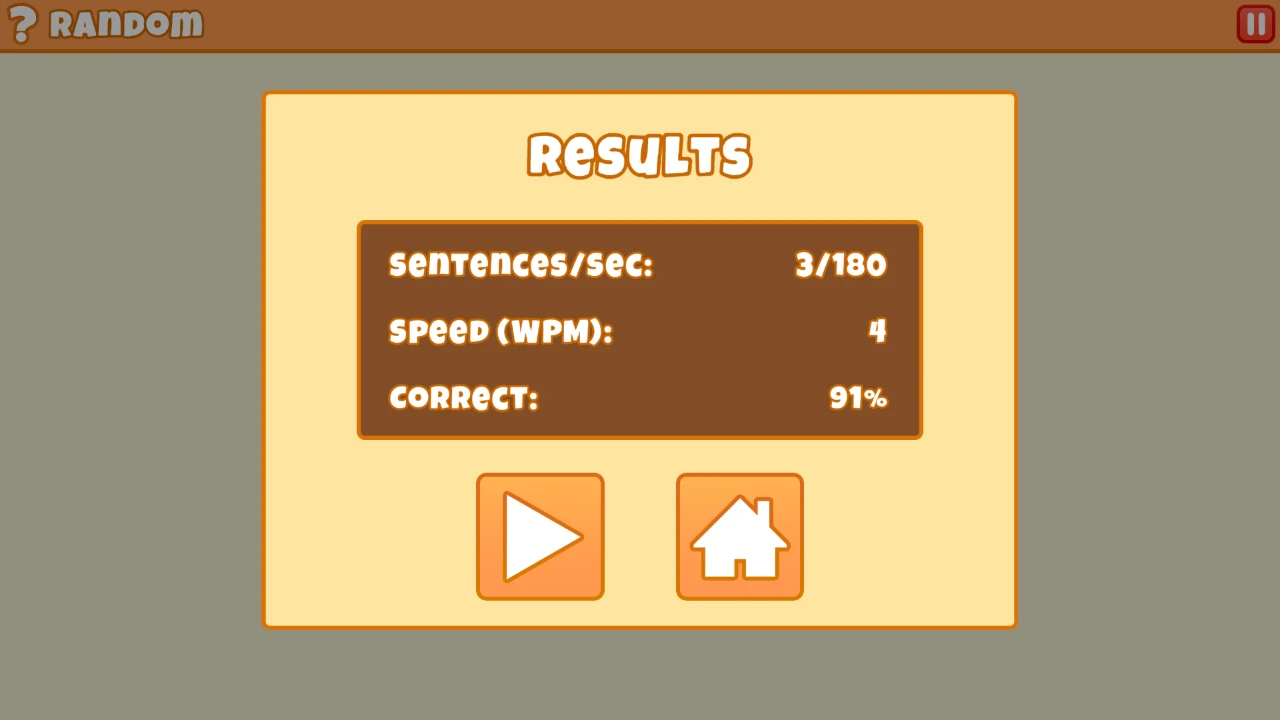
A comparable three-run typing session
Our ten-minute routine uses two minutes of slow home-row warm-up, three one-minute accuracy runs, two one-minute speed runs, and a review of the most frequent errors. We note whether each miss came from knowledge of the key, finger reach, premature preview, or punctuation. The next session begins with those exact transitions. For example, repeated errors around capital letters are trained with short Shift patterns rather than more ordinary prose. We compare the median of several runs, not the single fastest result. If WPM rises while accuracy collapses, the training speed is too high and we return to the last pace that remained clean.
- Choose one category and keep it fixed
A repeatable text type makes speed and accuracy changes meaningful across the session.
- Type the first run below maximum pace
Use it to learn the interface, correction behavior, and the category’s punctuation load.
- Raise cadence without changing posture
On run two, keep the same setup and add speed only where the first transcript stayed clean.
- Confirm the gain in a third run
A personal best counts as progress only if accuracy and error recovery remain controlled.
A productive session begins in Training mode. We choose a familiar category, set a short time or sentence limit, and complete one untimed-feeling accuracy pass. The second run keeps the same settings so the result is comparable. Only the third run increases pace. Before multiplayer, we verify that Backspace, capitalization, punctuation, and the result screen all behave as expected. In a race, our route is countdown posture, clean opening phrase, steady middle, then a controlled finish rather than a desperate final burst. After the result, we record WPM, accuracy, category, and limit together. A number without those conditions is not useful for comparing sessions.
Keyboard, posture, focus, and mobile limits
A physical keyboard is strongly recommended. Laptop and desktop layouts both work, but use the same keyboard when comparing personal records because switch travel and layout affect rhythm. The game loads an inner Unity canvas from AZGames infrastructure after the approved outer embed, so slower devices may show a launch screen for several seconds. Keep the tab visible during loading and close heavy background pages if keystrokes stutter. Phone play is technically possible only where a software keyboard is accepted, but it is not comparable to hardware-keyboard WPM. Browser fullscreen improves focus; Escape returns control when we need the surrounding guide.
One test run started fast but collapsed after an early typo. Repeated Backspace taps broke the cadence, and the next word collected another error before the first was fixed. On the following run we used a slower opening sentence, corrected the first wrong character with one deliberate Backspace, then returned to the previous tempo. WPM dipped briefly but the final score improved because accuracy stayed high. Fun Typing IO rewards completed clean text, not the loudest first ten seconds.
Fun Typing IO FAQ
What do WPM and accuracy measure?
WPM estimates standardized words typed per minute; accuracy reflects how much input matched without errors.
Should we start in multiplayer?
Training is better for learning the prompt and correction rules. Move to multiplayer after input feels dependable.
Why is one category slower?
Numbers, punctuation, code symbols, capitalization, and unfamiliar wording add decisions beyond ordinary letter speed.
Is a phone recommended?
No. A physical keyboard gives the intended control and makes performance comparisons meaningful.
What if the game remains on a launcher?
Press the central play control once, wait for the Unity canvas, and use this page's retry state if loading genuinely fails.